
Start your 7-day free trial →
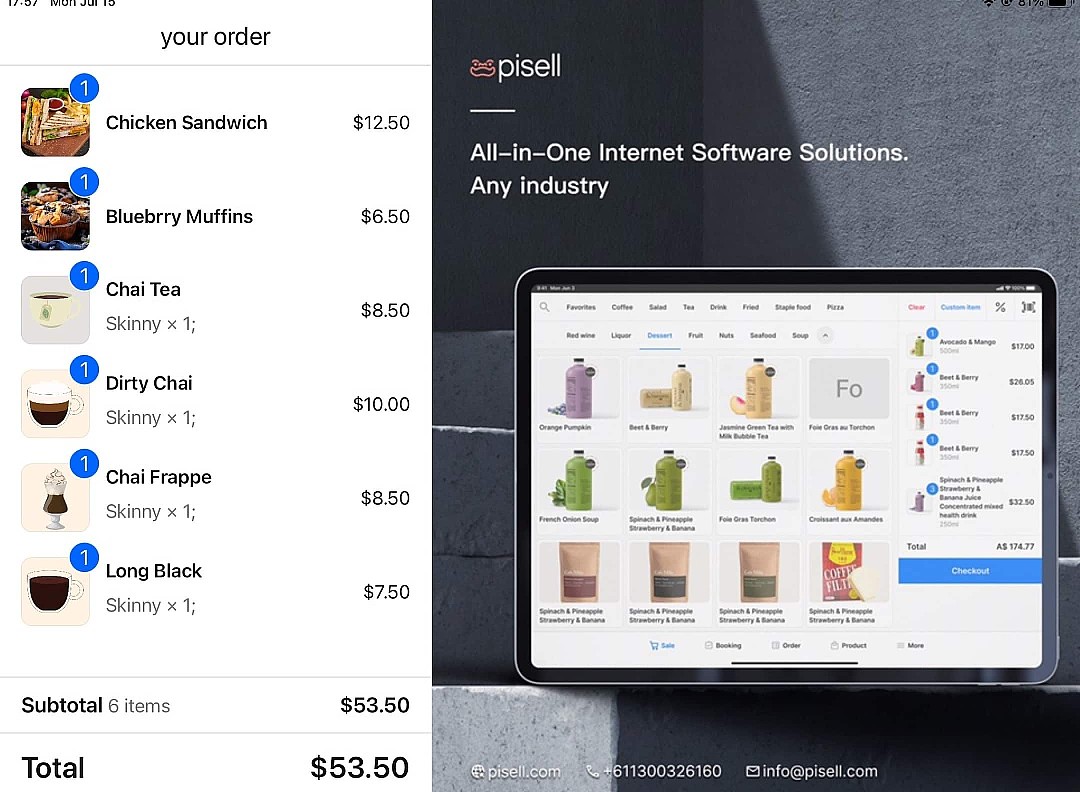
Pisell Customer Display (CDS) 介紹
by PisellJul 10th, 2024
硬體設備介紹
CDS(客戶顯示系統)是配合Pisell terminal使用的拓展屏,連接Pisell terminal之後,可以在預設情況下展示圖片,將您的產品/服務/活動等同步展示給顧客,進行推廣促進銷售增長;當產生交易時,客戶可以在螢幕上看到自己的訂單細節,包括所選商品和支付金額等,透明化交易提升客戶的結算體驗,只需連接Pisell terminal,就可極大提升顧客使用感受,助力您的商業發展!
點擊下方視頻,即可查看連結步驟及使用效果 👇
Other Articles: 3715
3715 3335
3335 3772
3772 3196
3196 3167
3167 4176
4176 5240
5240 5132
5132 4587
4587 5150
5150 4288
4288 6888
6888 6427
6427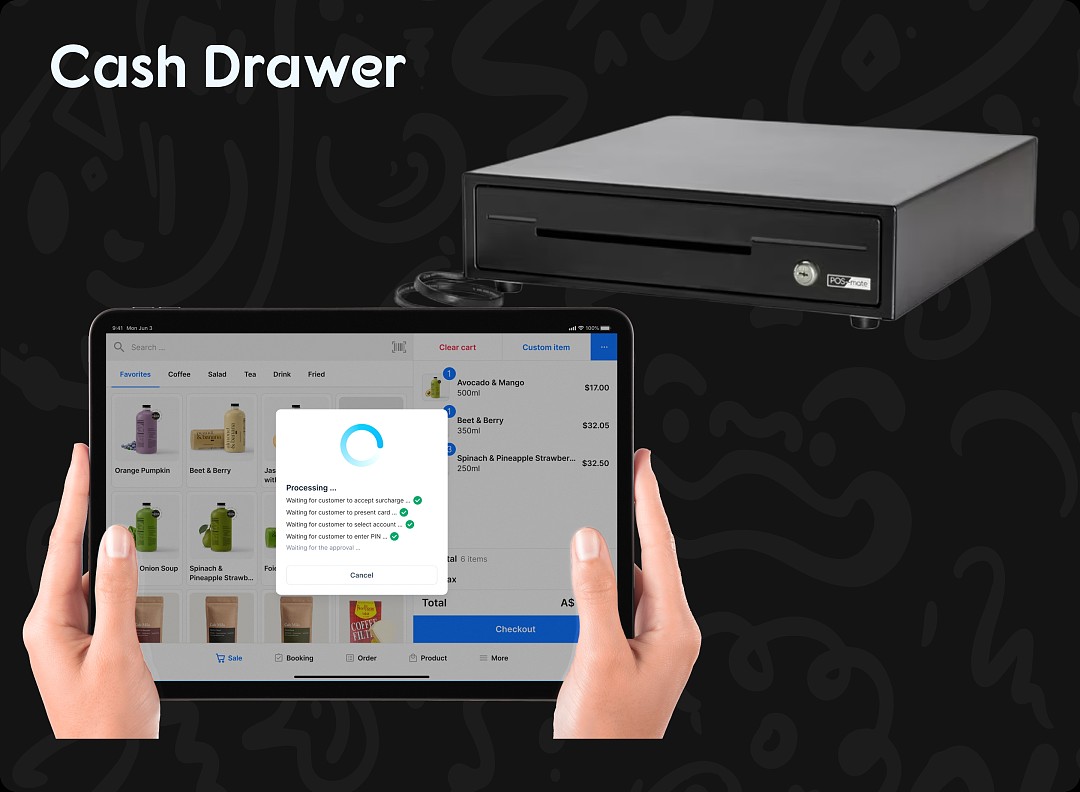 6571
6571 6515
6515
3715親子餐廳營運操作指南 - Terminal 餐飲系統
3335Apple Pay Platform Web Merchant Terms and Conditions
3772親子餐廳使用指南 (運營操作項)- 客戶端預定 Party 及門票
3196親子餐廳使用指南 (營運操作項)- Terminal 售賣 Tickets
3167親子餐廳使用指南 --Terminal 預定 Party
4176【重要通知】Pisell 客戶營運團隊線上服務時間調整(長期固定)
5240風險保證金預估指南(商家自我評估版)
5132風險保證金與提現保留金說明
4587提現保留金
5150線上支付安全優化:強制啓用 3DS 驗證
4288刷卡手續費陷阱:你以為是0.9%,實際年損10萬!揭密遊樂場行業系統的隱藏收費
6888管理您的Pisell訂閱
6427Pisell Payment Chargeback FAQ
6571Pisell Terminal連接錢箱及使用介紹
6515