
Start your 7-day free trial →

Pisell Terminal 快捷收銀設定講解
by PisellJul 11th, 2024
硬體設備介紹
Pisell Termial將幫助您實現線下銷售的飛躍。在開始使用之前,請跟隨我們的視頻教程,確保您已經做好充分準備。只需幾分鐘,您將掌握如何快速設定和操作Pisell Termial,開啟便捷高效的銷售之旅。
通過我們的指導,您將輕鬆上手Pisell Termial,迅速提升您的銷售效率和顧客滿意度。立即點擊下方視頻,跟隨我們的步驟,開始您的Pisell快捷收銀之旅。讓您的店鋪在競爭激烈的市場中脫穎而出,實現銷售業績的快速增長。現在就觀看視頻,開啟您的智能銷售新篇章!
Other Articles: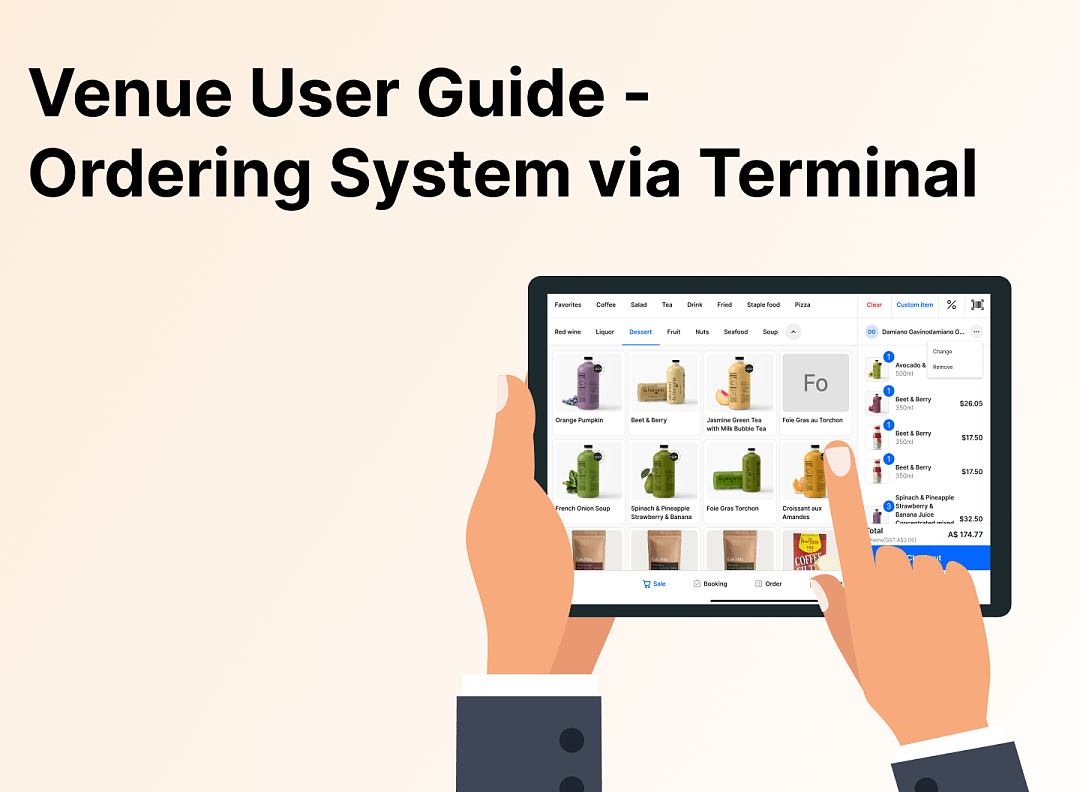 3701
3701 3321
3321 3755
3755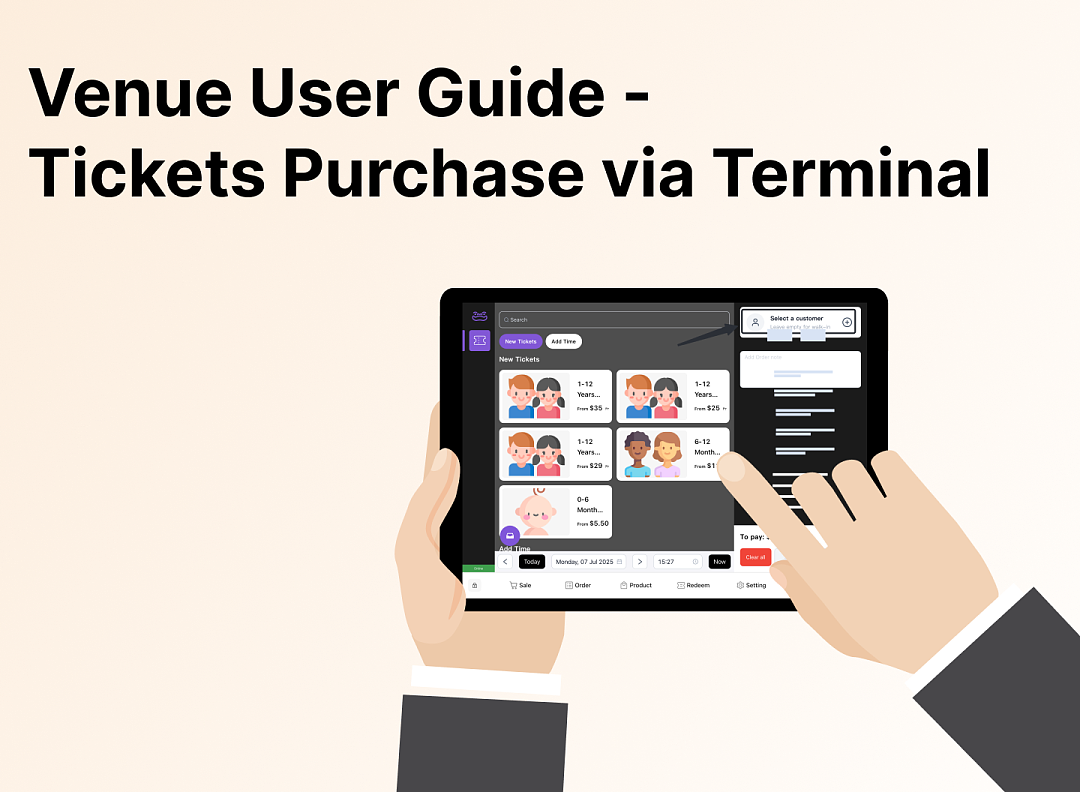 3177
3177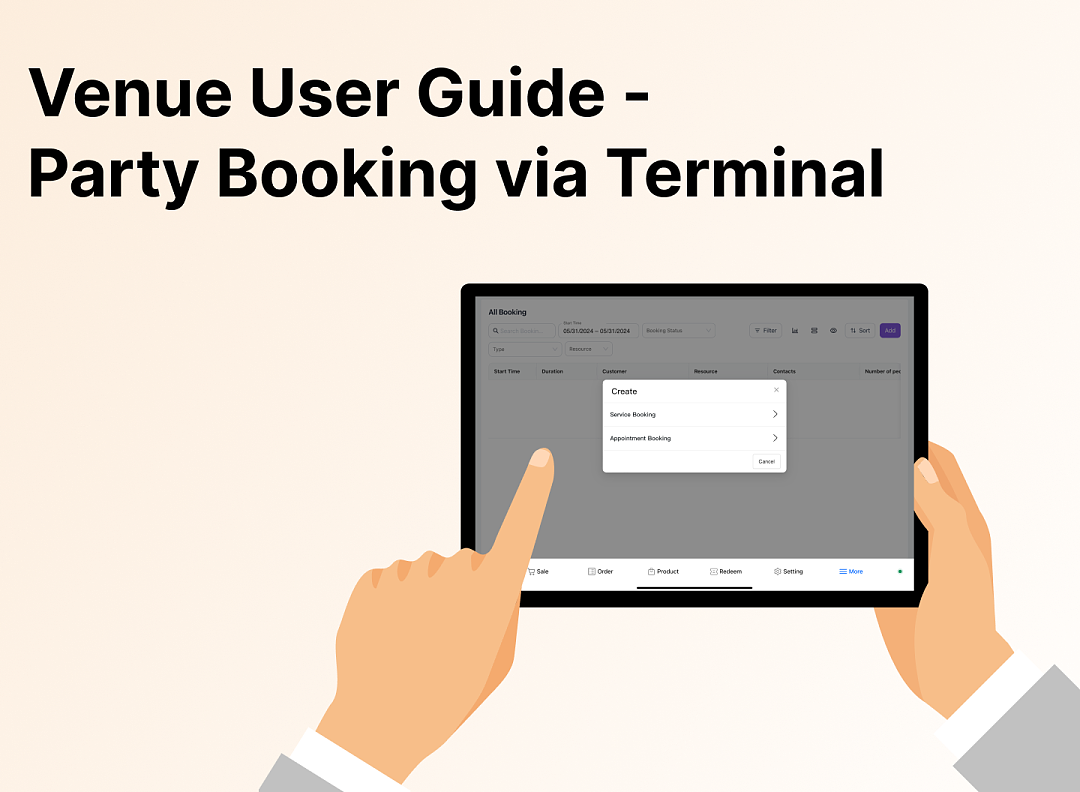 3152
3152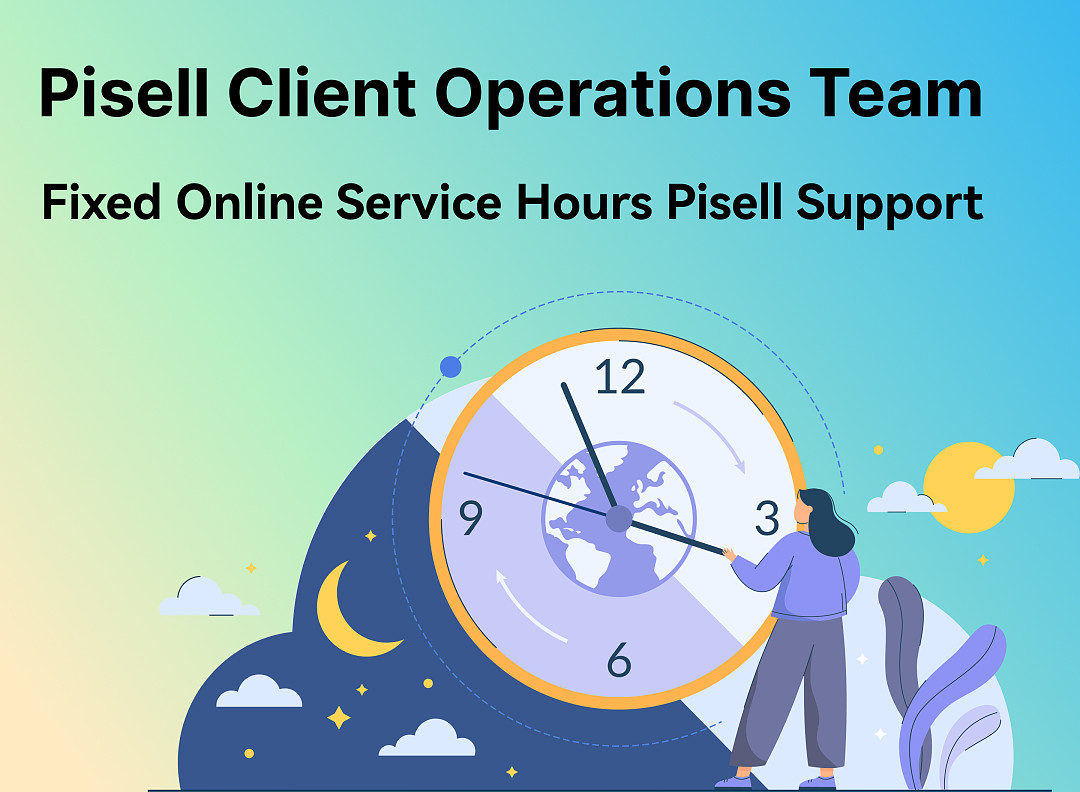 4167
4167 5224
5224 5122
5122 4571
4571 5131
5131 4271
4271 6875
6875 6417
6417 6555
6555 6502
6502
3701親子餐廳營運操作指南 - Terminal 餐飲系統
3321Apple Pay Platform Web Merchant Terms and Conditions
3755親子餐廳使用指南 (運營操作項)- 客戶端預定 Party 及門票
3177親子餐廳使用指南 (營運操作項)- Terminal 售賣 Tickets
3152親子餐廳使用指南 --Terminal 預定 Party
4167【重要通知】Pisell 客戶營運團隊線上服務時間調整(長期固定)
5224風險保證金預估指南(商家自我評估版)
5122風險保證金與提現保留金說明
4571提現保留金
5131線上支付安全優化:強制啓用 3DS 驗證
4271刷卡手續費陷阱:你以為是0.9%,實際年損10萬!揭密遊樂場行業系統的隱藏收費
6875管理您的Pisell訂閱
6417Pisell Payment Chargeback FAQ
6555Pisell Terminal連接錢箱及使用介紹
6502