
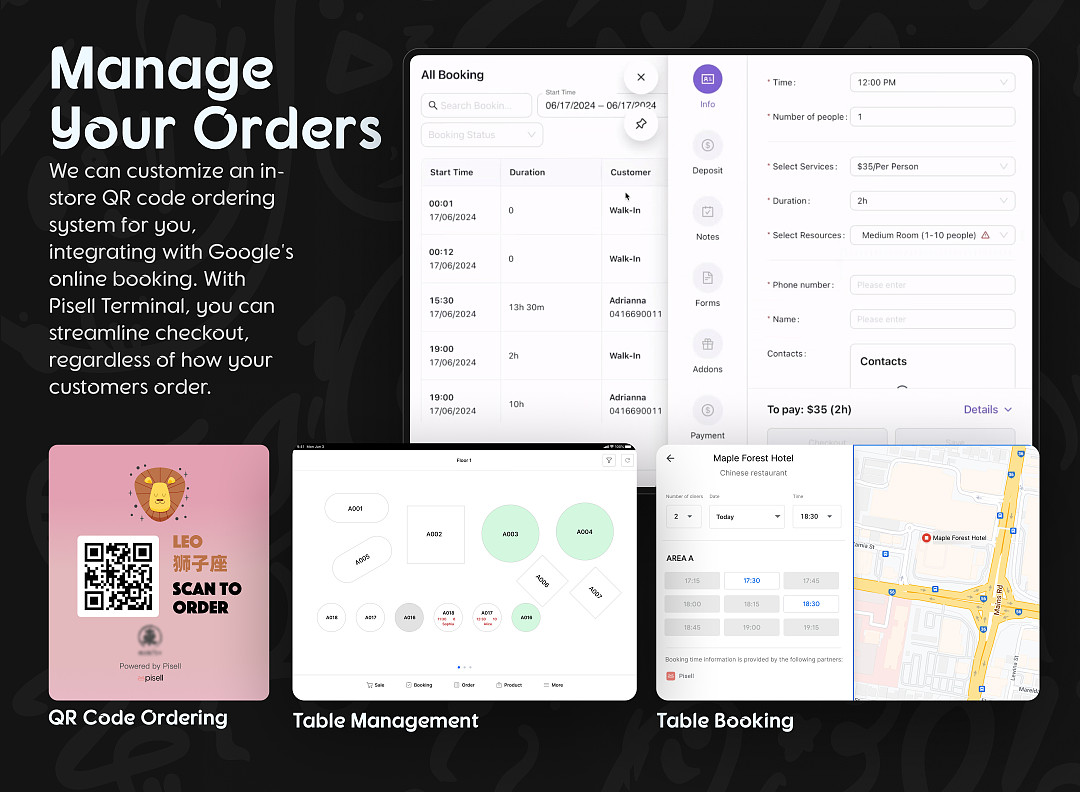
Manage Google Reservation Orders in Pisell Terminal
Hardware Introduction
Unlock a new engine for business growth and create a seamless customer appointment experience – just activate Google Reservation with a single click and integrate it with our powerful Terminal management tool.
With Google Reservation, making reservations becomes effortless for customers, anytime and anywhere. This not only optimizes the customer experience but also significantly improves your business operational efficiency. With our Terminal, you can streamline the appointment process and enhance work efficiency, ensuring that every service is delivered with precision. Click the video below to learn how to efficiently manage Google Reservation orders with our Terminal. Follow the video guide to master the full set of skills from order reception, schedule planning to customer communication. Click to play now and embark on your intelligent appointment management journey, synchronizing business growth with customer satisfaction.
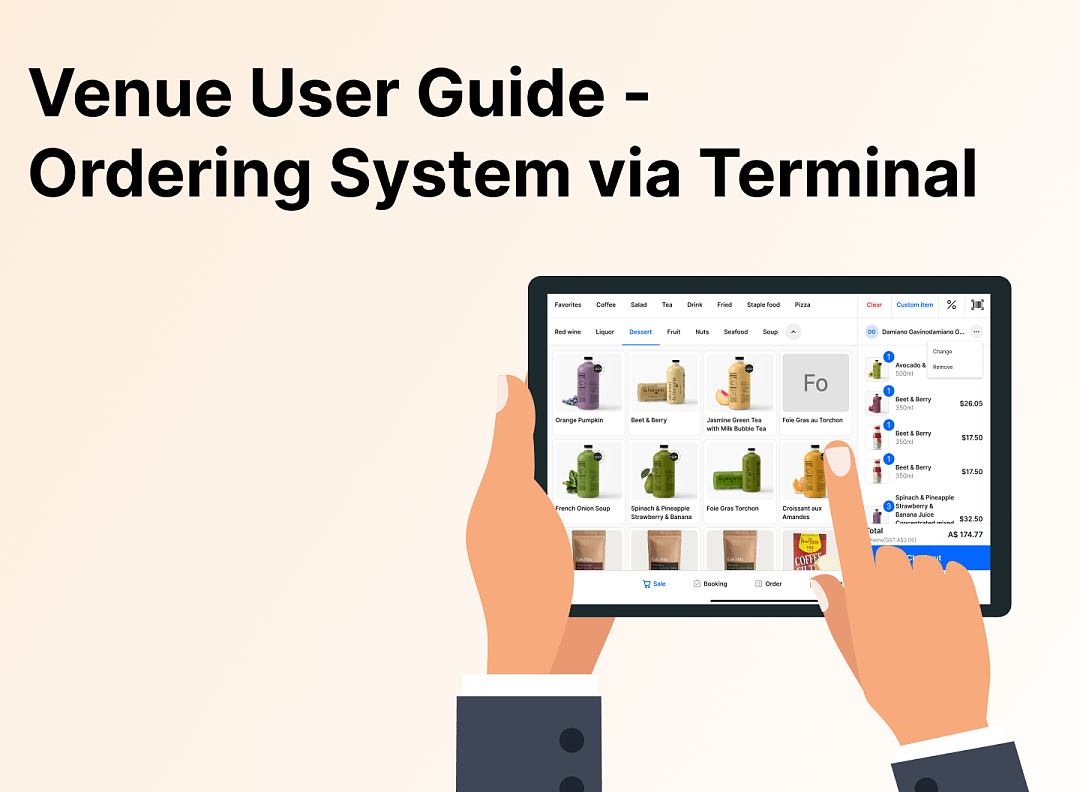 3715
3715Family Restaurant Operation Guide - Terminal F&B System
 3335
3335Apple Pay Platform Web Merchant Terms and Conditions
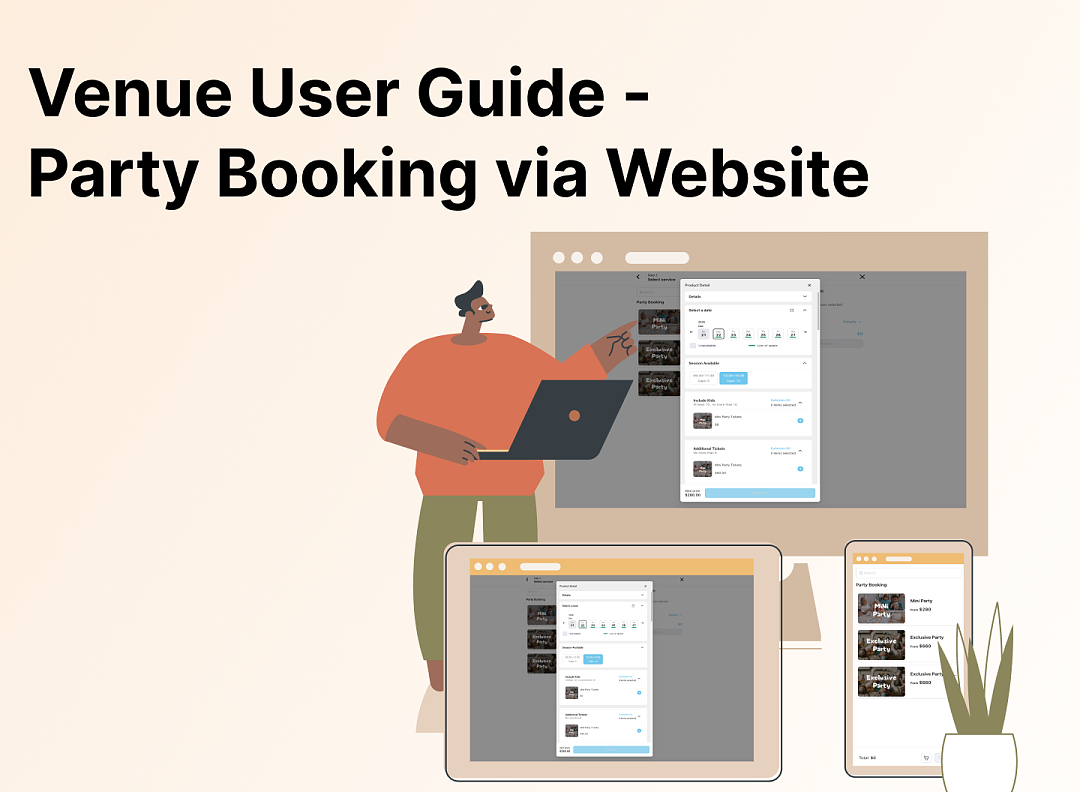 3772
3772Family-Friendly Restaurant User Guide (Operational Items) - Client-Side Booking for Parties and Tickets
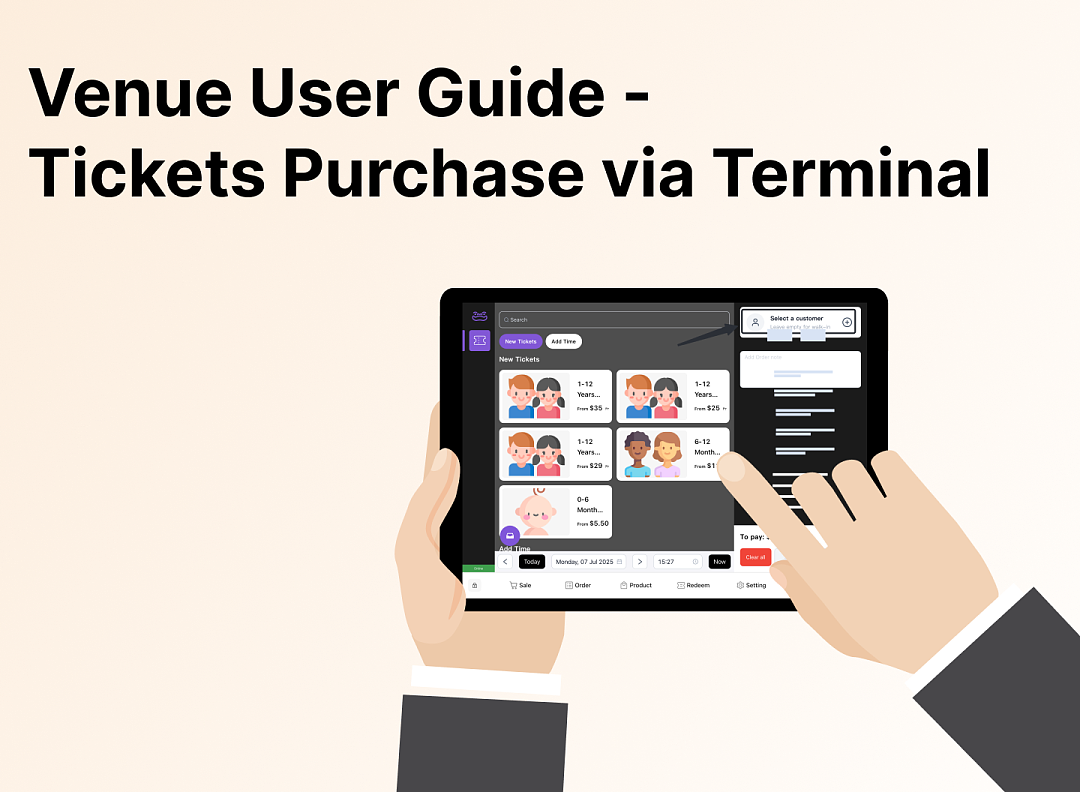 3196
3196Kids Cafe Usage Guide (Operational Items) - Terminal Selling Tickets
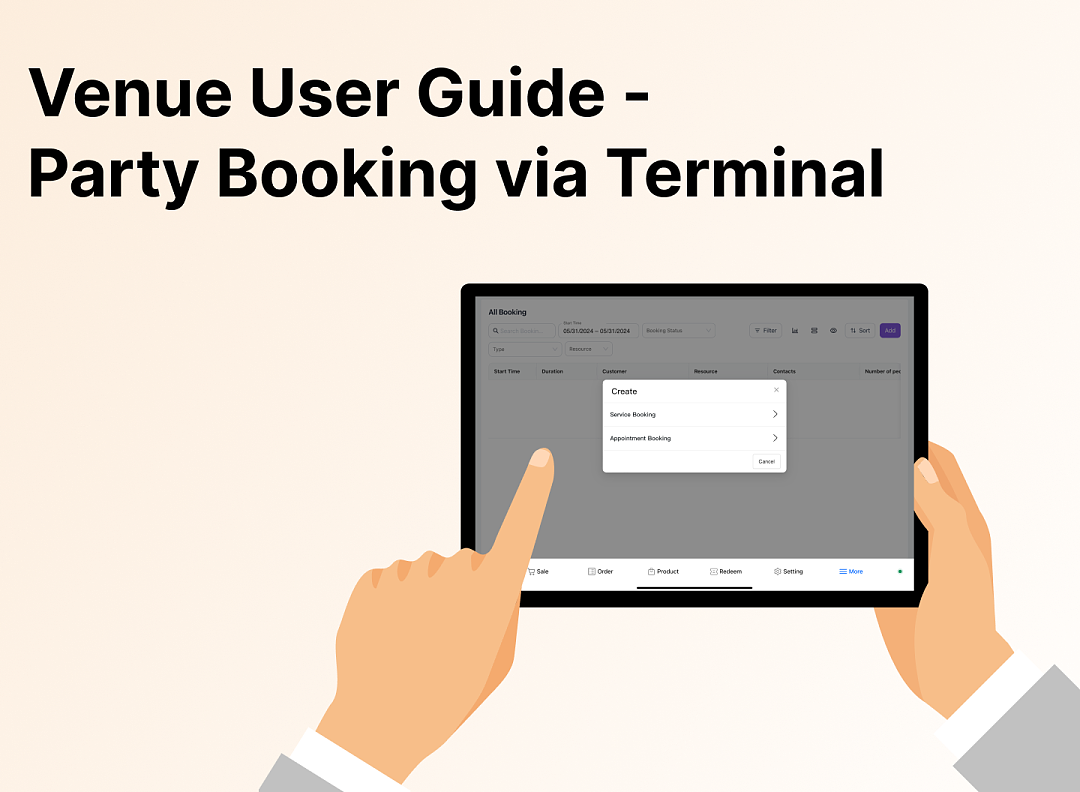 3167
3167Family-Friendly Restaurant User Guide - Terminal for Booking Parties
![[Important Notice] Pisell Client Operations Team— Fixed Online Service Hours Pisell Support](https://file.mypisell.com/pisel/image/435/d7d250eb99c80ca34e3e7fc75c5b92cd2025_09_26_18_07_00_009_03613999964__2880_2112__.jpeg?x-oss-process=image/format,jpg/interlace,1,image/resize,w_1080/quality,Q_90/sharpen,90 "[Important Notice] Pisell Client Operations Team— Fixed Online Service Hours Pisell Support") 4176
4176[Important Notice] Pisell Client Operations Team— Fixed Online Service Hours Pisell Support
 5240
5240Guidelines for Estimating Reserve (Merchant Self-Assessment Version)
 5132
5132Voluntary Withholding Funds & Reserve Explanation
 4587
4587Voluntary Withholding Funds
 5150
5150Online Payment 3DS Security Upgrade
 4288
4288Kids Playground Owners Beware: Your Payment System Might Be Charging You 3x More Than You Think
 6888
6888Manage Your Pisell Subscription
 6427
6427Pisell Payment Chargeback FAQ
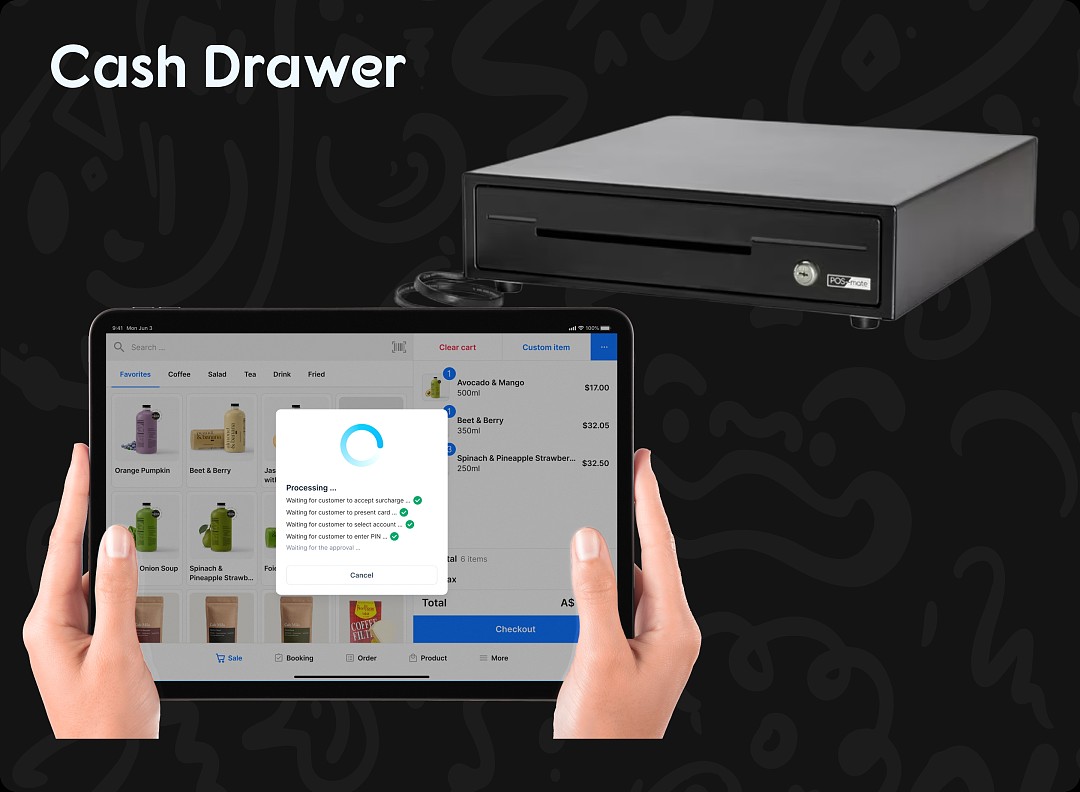 6570
6570Pisell Terminal Connecting to Cash Box
 6515
6515