
Start your 7-day free trial →

Pisell Terminal Basic Settings Introduction
by PisellJul 11th, 2024
Hardware Introduction
Welcome to a new era of sales with Pisell Termial. Before you get started, follow our video tutorial to ensure you’re fully prepared. In just a few minutes, you’ll master how to set up and operate Pisell Termial, embarking on a journey of convenient and efficient sales.
With our guidance, you’ll quickly become proficient in using Pisell Termial, significantly boosting your sales efficiency and customer satisfaction. Click the video below to follow our steps and start your Pisell Termial journey. Let your store stand out in the competitive market and experience rapid growth in sales performance. Watch the video now and embark on your new chapter of smart sales!
Other Articles: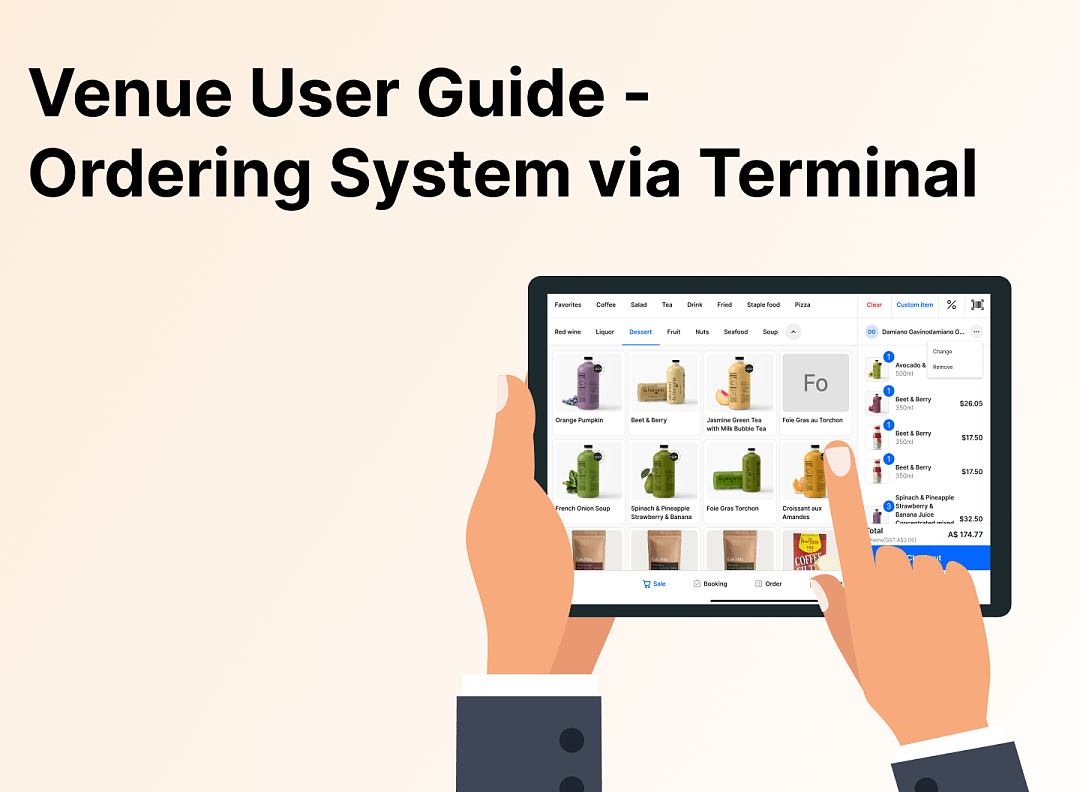 3701
3701 3320
3320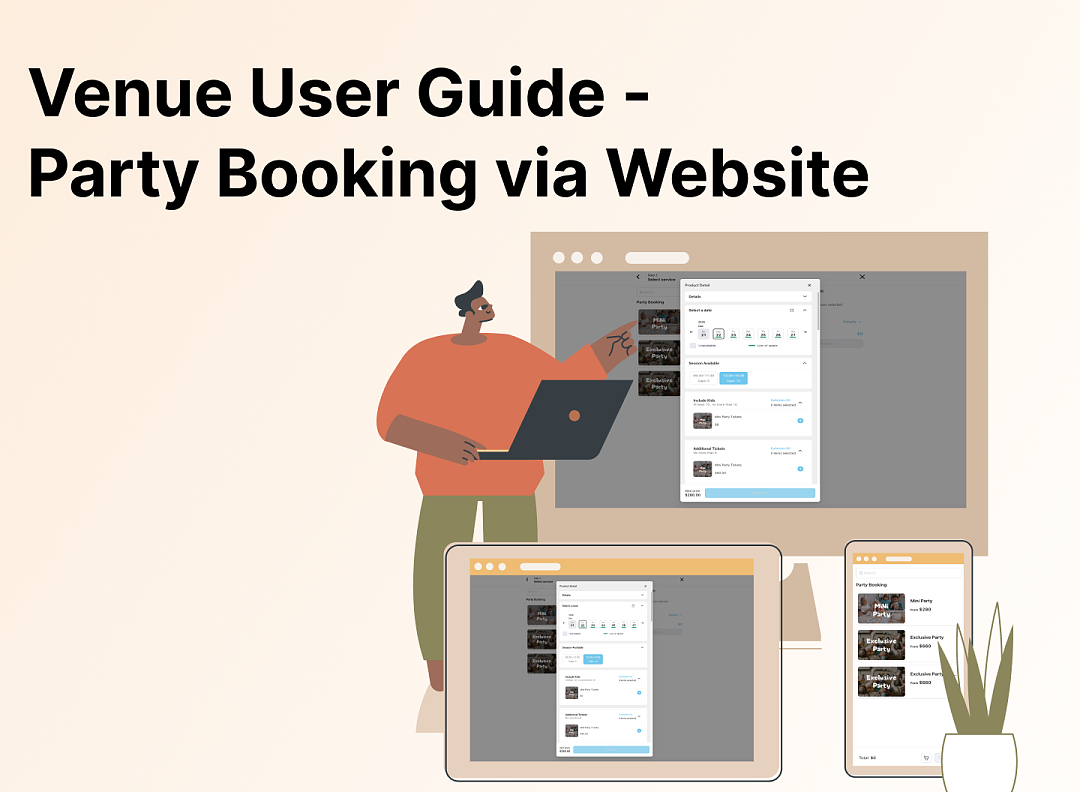 3755
3755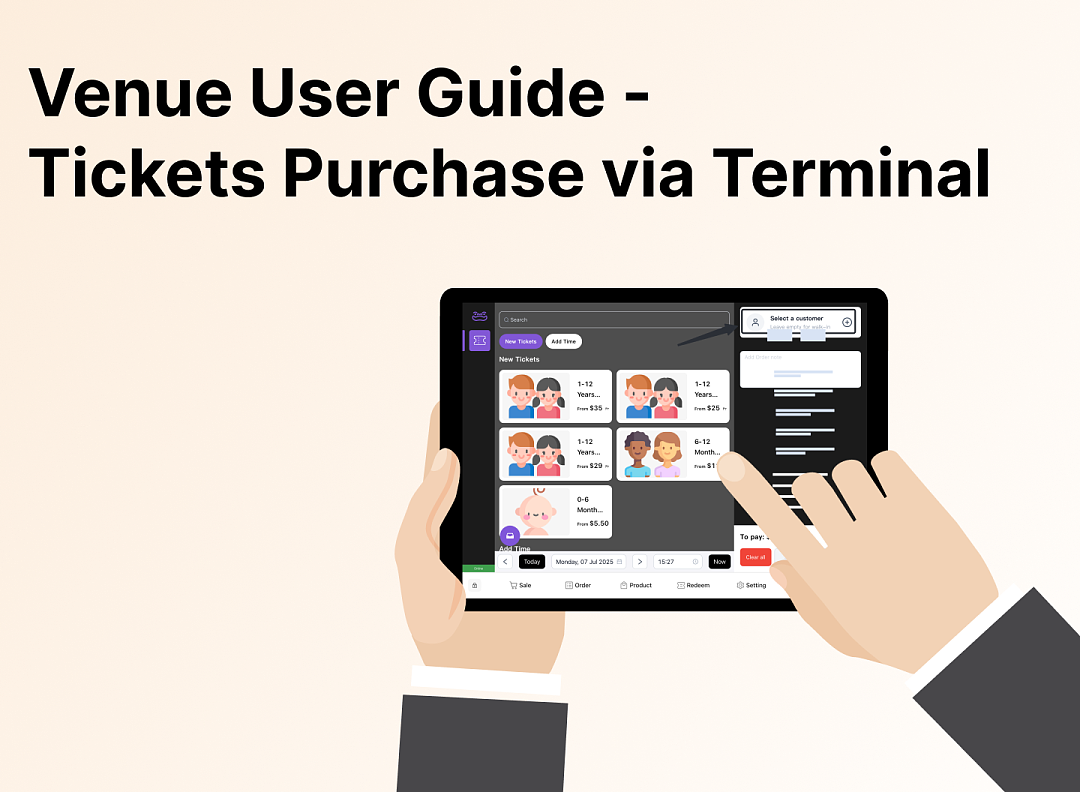 3177
3177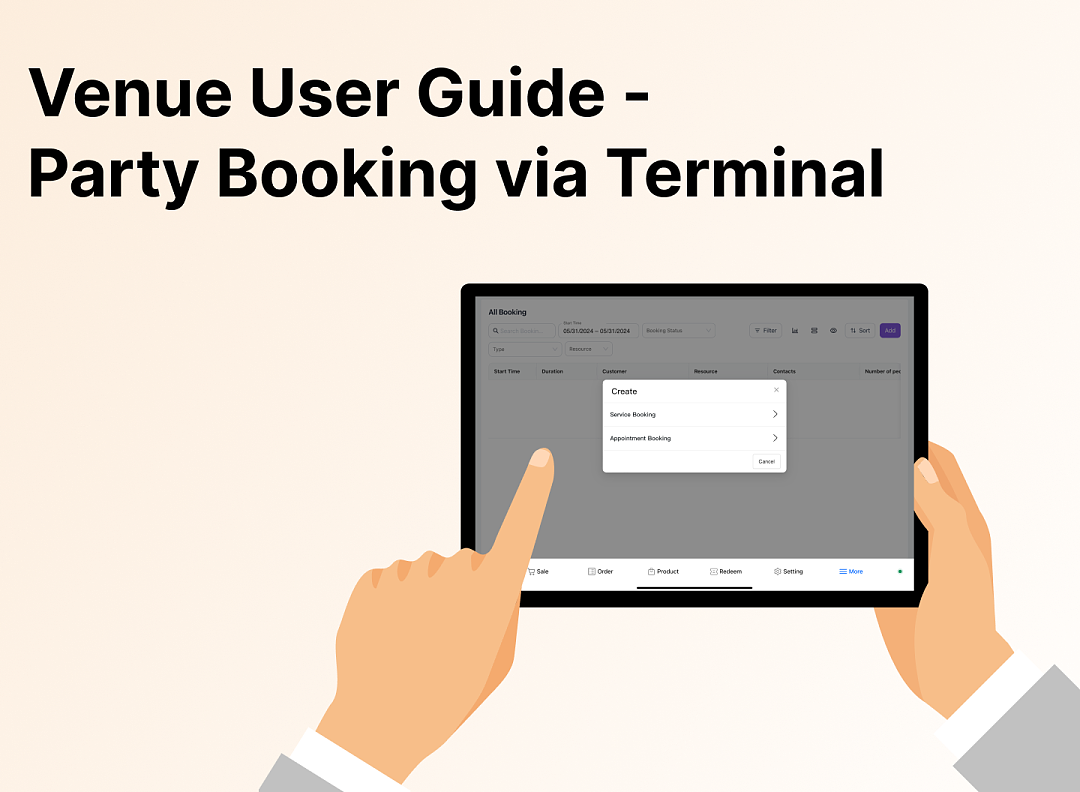 3152
3152![[Important Notice] Pisell Client Operations Team— Fixed Online Service Hours Pisell Support](https://file.mypisell.com/pisel/image/435/d7d250eb99c80ca34e3e7fc75c5b92cd2025_09_26_18_07_00_009_03613999964__2880_2112__.jpeg?x-oss-process=image/format,jpg/interlace,1,image/resize,w_1080/quality,Q_90/sharpen,90 "[Important Notice] Pisell Client Operations Team— Fixed Online Service Hours Pisell Support") 4166
4166 5223
5223 5121
5121 4570
4570 5129
5129 4271
4271 6874
6874 6414
6414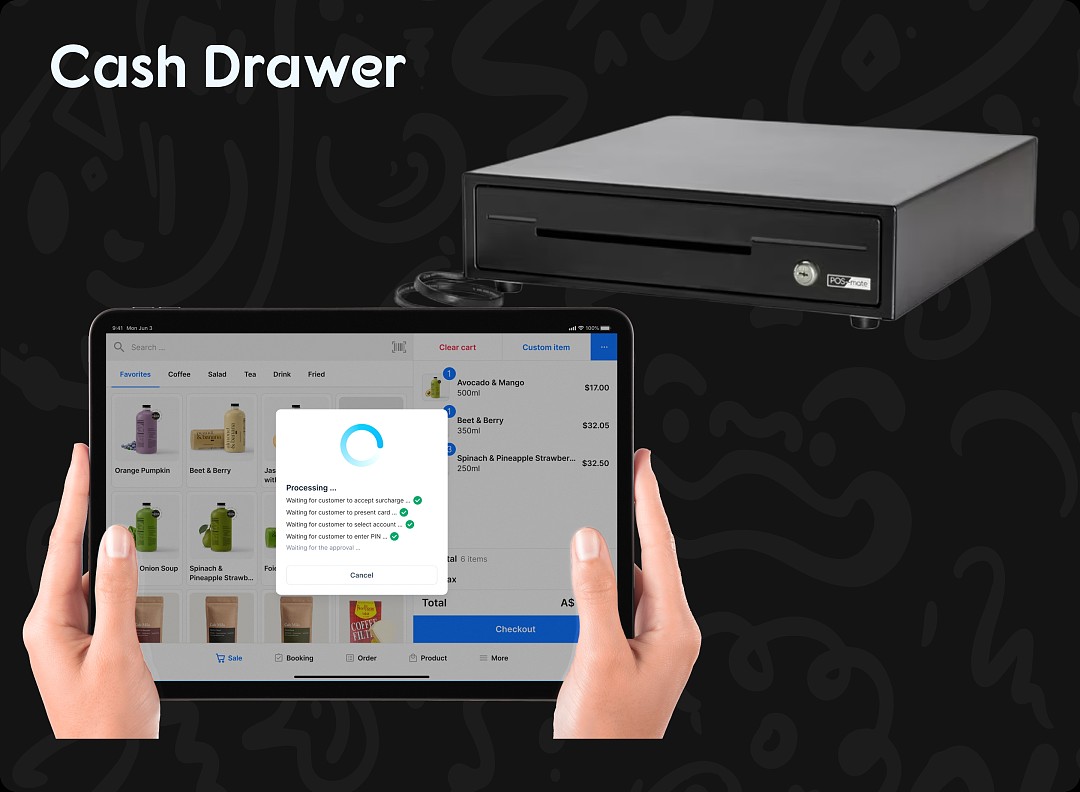 6554
6554 6502
6502
3701Family Restaurant Operation Guide - Terminal F&B System
3320Apple Pay Platform Web Merchant Terms and Conditions
3755Family-Friendly Restaurant User Guide (Operational Items) - Client-Side Booking for Parties and Tickets
3177Kids Cafe Usage Guide (Operational Items) - Terminal Selling Tickets
3152Family-Friendly Restaurant User Guide - Terminal for Booking Parties
4166[Important Notice] Pisell Client Operations Team— Fixed Online Service Hours Pisell Support
5223Guidelines for Estimating Reserve (Merchant Self-Assessment Version)
5121Voluntary Withholding Funds & Reserve Explanation
4570Voluntary Withholding Funds
5129Online Payment 3DS Security Upgrade
4271Kids Playground Owners Beware: Your Payment System Might Be Charging You 3x More Than You Think
6874Manage Your Pisell Subscription
6414Pisell Payment Chargeback FAQ
6554Pisell Terminal Connecting to Cash Box
6502